

The Mobile Performance Wall
Text renders unevenly, images shift as they load, and scrolling produces a visible stutter. Several seconds pass before the page settles into place.
The frustrating part is that the usual explanations do not apply. The device is capable, and the signal shows full bars. Yet the mobile web still feels slow, as though something unseen is holding the page back. That something is rarely the hardware or the connection. It is the code loading alongside the content you actually requested.
The Mechanics of Mobile Bloat
The cause is the volume of unoptimized code that modern ad networks push into a mobile browser. Desktop machines often have enough processing headroom to absorb heavy payloads without obvious strain. Mobile pages are frequently served the same bloated architecture, but on hardware with far tighter limits.
When you open a site on a phone, the browser does more than download text and images. At the same time, it retrieves a large set of additional components:
- Tracking pixels that report activity back to external servers
- Real-time bidding algorithms that auction ad space as the page loads
- Dynamic video frames that begin processing before you scroll to them
- Programmatic advertising scripts that coordinate all of the above
Mobile processors and cellular modems operate under strict thermal and power constraints. When this volume of code arrives at once, the demand exceeds what the device can handle comfortably. The CPU climbs toward maximum capacity simply to parse advertising instructions you never requested. A lightweight lookup becomes a heavy computational task, and the delay you experience is the direct result.
The Toll on Your Phone's Resources
The consequences extend beyond a slow-loading page. The steady arrival of heavy ad scripts affects the resources you depend on throughout the day.
- Data waste
- A meaningful share of your monthly cellular allowance is consumed downloading invisible tracking scripts and autoplaying ad graphics rather than the content you came to read.
- Battery drain
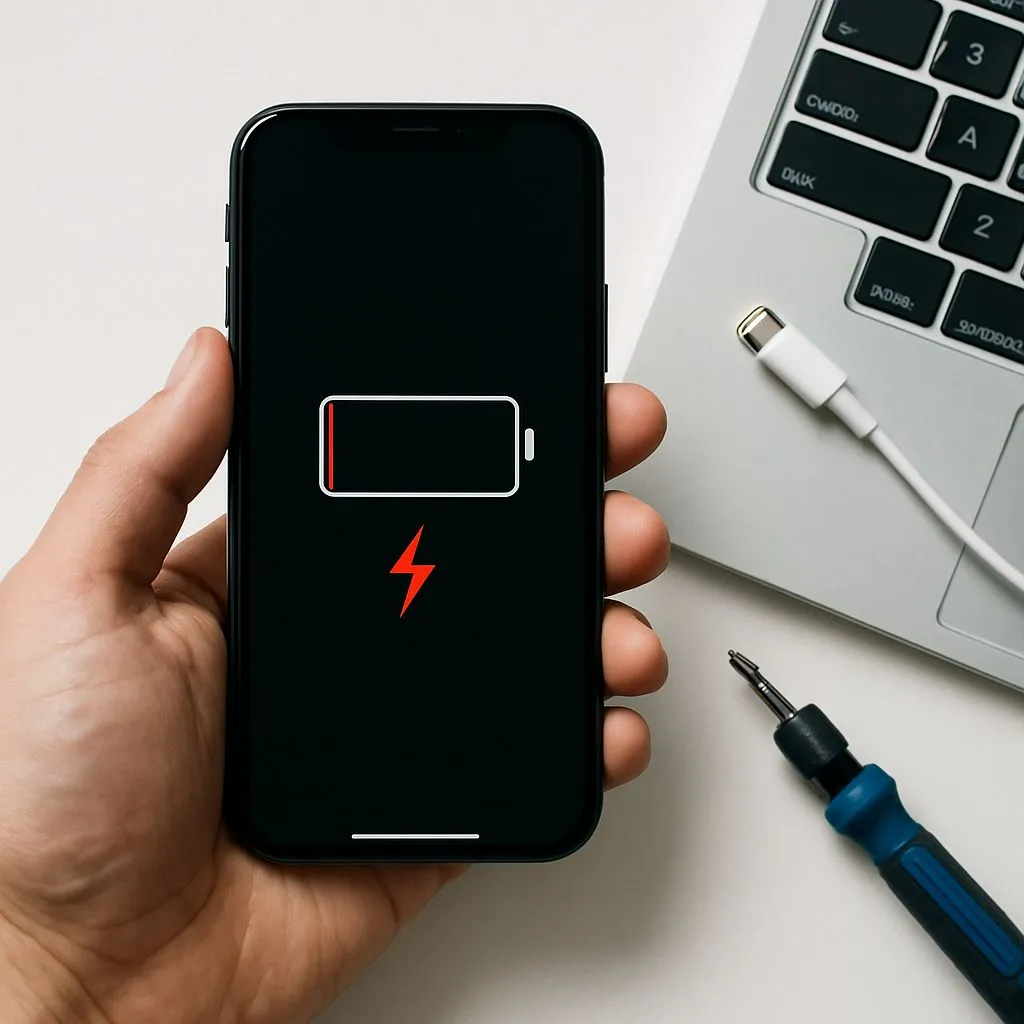
- Requiring the processor to render complex advertising code repeatedly accelerates battery depletion, and the phone may reach empty well before the day ends.
- Layout shifts
- As heavy ads compete to load near the top of the page, the text you are reading jumps up and down. Each shift interrupts reading and forces you to find your place again.
Individually, each effect is easy to overlook. Together, they explain why routine browsing can feel expensive in both time and battery life.
Accelerating Your Device with the Total Adblock Browser Extension app
Upgrading the phone or closing background apps does not resolve this issue. As long as ad networks are permitted to deliver heavy, unoptimized code to the screen, the browsing experience stays sluggish regardless of the device. The effective approach is to prevent that code from downloading in the first place.
This is the purpose of the Total Adblock Browser Extension app. The Chrome Web Store lists Total Adblock as a browser extension that blocks many unwanted ads and trackers on supported webpages. This offer is for a supported desktop Chrome environment, not mobile Chrome. Rather than allowing the components to load and then managing the slowdown, it stops the requests from completing.
Blocking some advertising elements can reduce the amount of page code a supported desktop browser processes. The effect on loading time, data use, battery life and scrolling varies by website, device, connection, browser and settings; no particular improvement is guaranteed.
